How do I create a Squire account?
Written By Ignace Maes
Last updated About 2 months ago
In this article, you will learn how to activate your Squire account via an email invitation and how to choose the correct login method.
1. Accept the invitation
Before you can start, you must have been invited by your administrator.
Go to your mailbox and look for an email from Squire.
Click the Accept Invitation button in the email.
You will now be automatically redirected to the Squire registration screen.

2. Choose your registration method
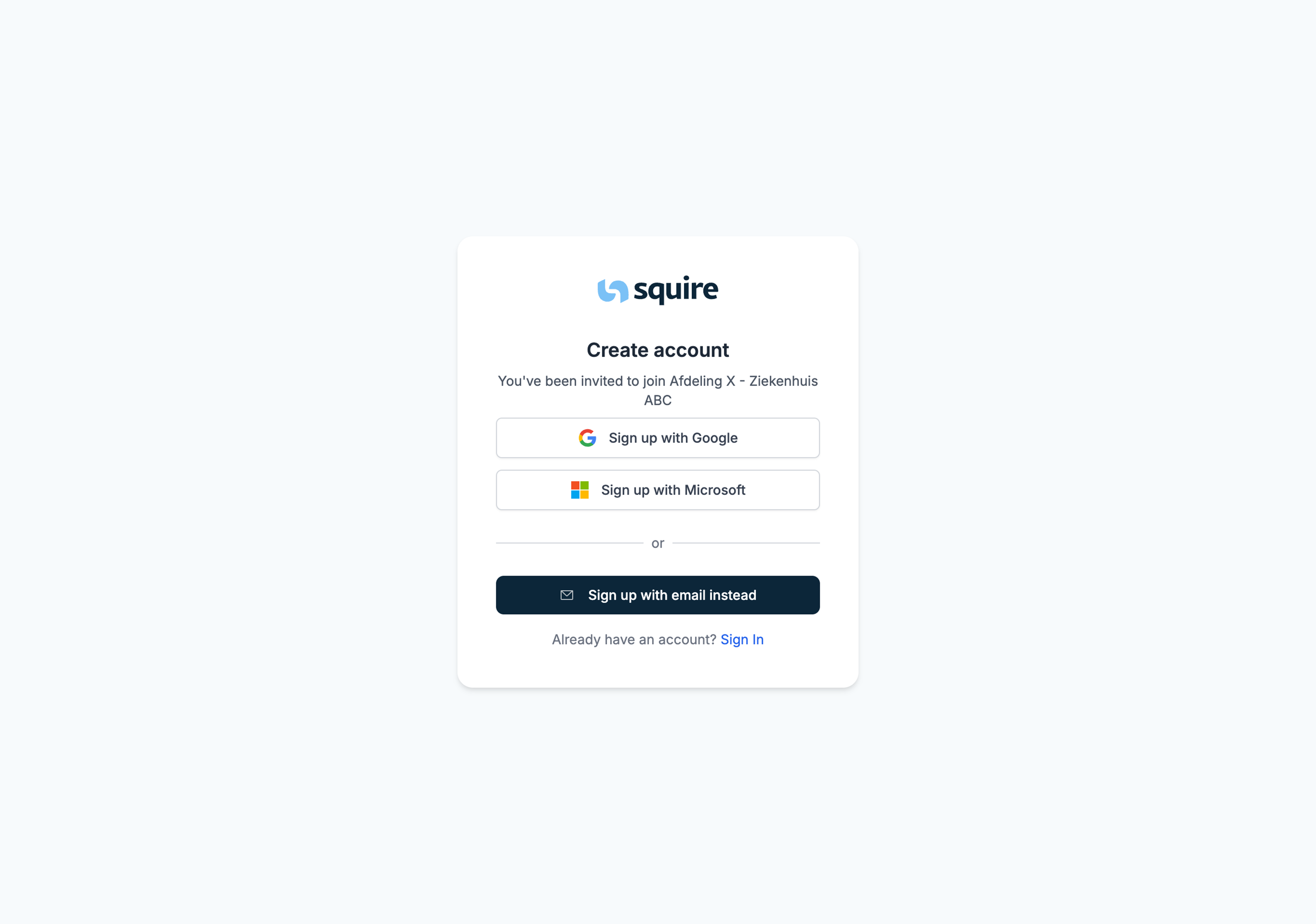
On the registration screen, you will see two options to create your account:
Login with Google: Click the top button. You will be directed to the secure Google environment to link your account.
Login with Email: Click the bottom button if you want to manually set a password. Then fill in your details on the next screen.
3. Verify your email address
An additional security step applies to both registration methods:
After entering your details, the message "Check your email" appears.
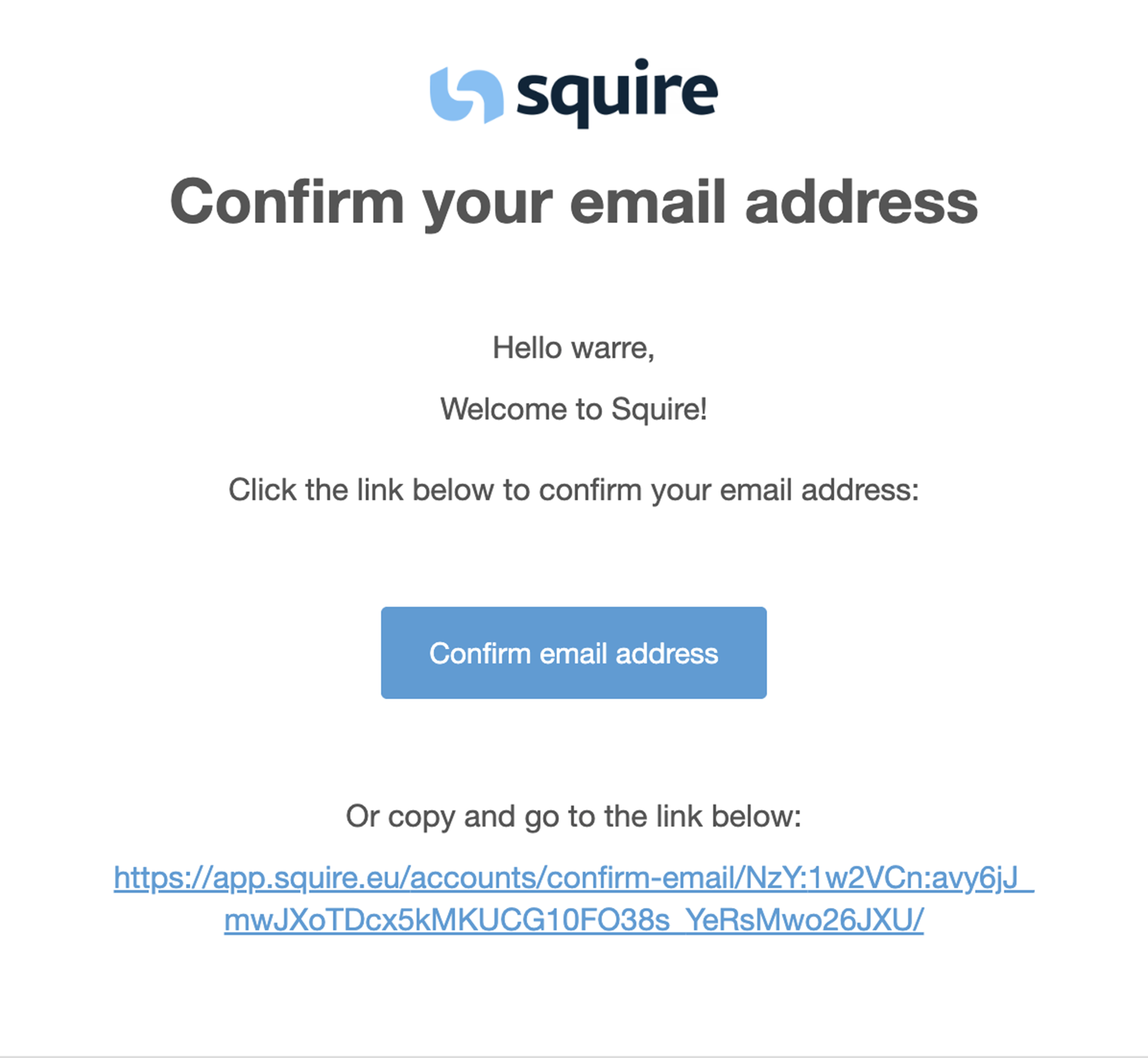
Go back to your inbox and find the verification email.
Click the Confirm Email Address button.
Once you have done this, your account is active and you can log in.