How do I log into my Squire account?
Written By Ignace Maes
Last updated 3 months ago
In this article, you will learn how to access your Squire environment and where to find the official login page.
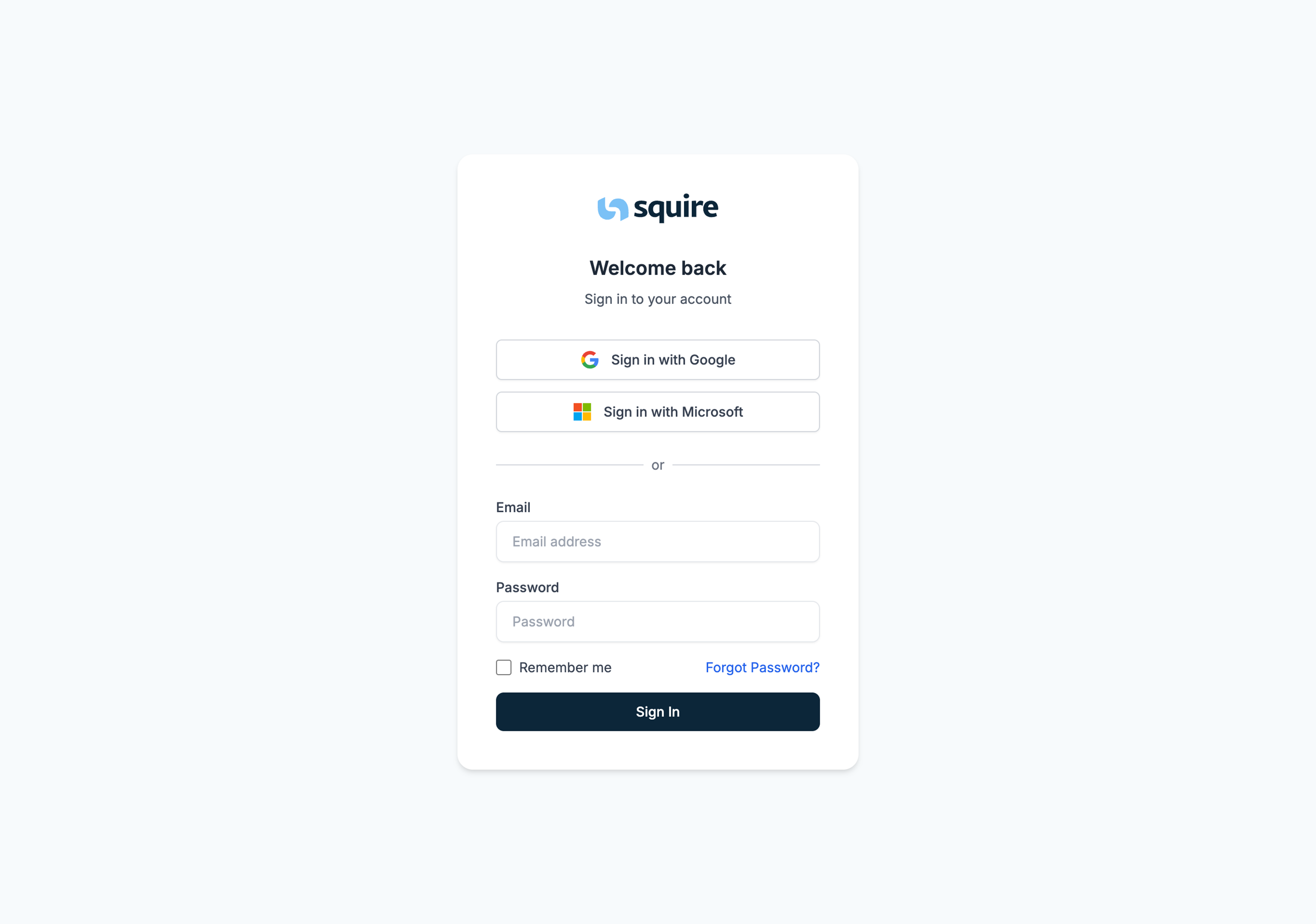
1. Opening the login page
To begin, navigate to Squire.
In your browser, go to: https://app.squire.eu/ (or via the installed application or smartphone app)
Tip: Bookmark (favorite) this page so you can easily find it every morning.
2. Enter your details
Once you are on the page, you can log in with the details you chose during registration.
Enter your Email Address.
Enter your personal Password.
Click the Login button.