How do I invite a colleague to my team?
Written By Ignace Maes
Last updated 3 months ago
Expand your team by inviting colleagues through the organization settings of Squire.
1. Navigate to team settings
To add colleagues, you must first go to your organization's overview.
Click on Settings by clicking on your name at the bottom left.
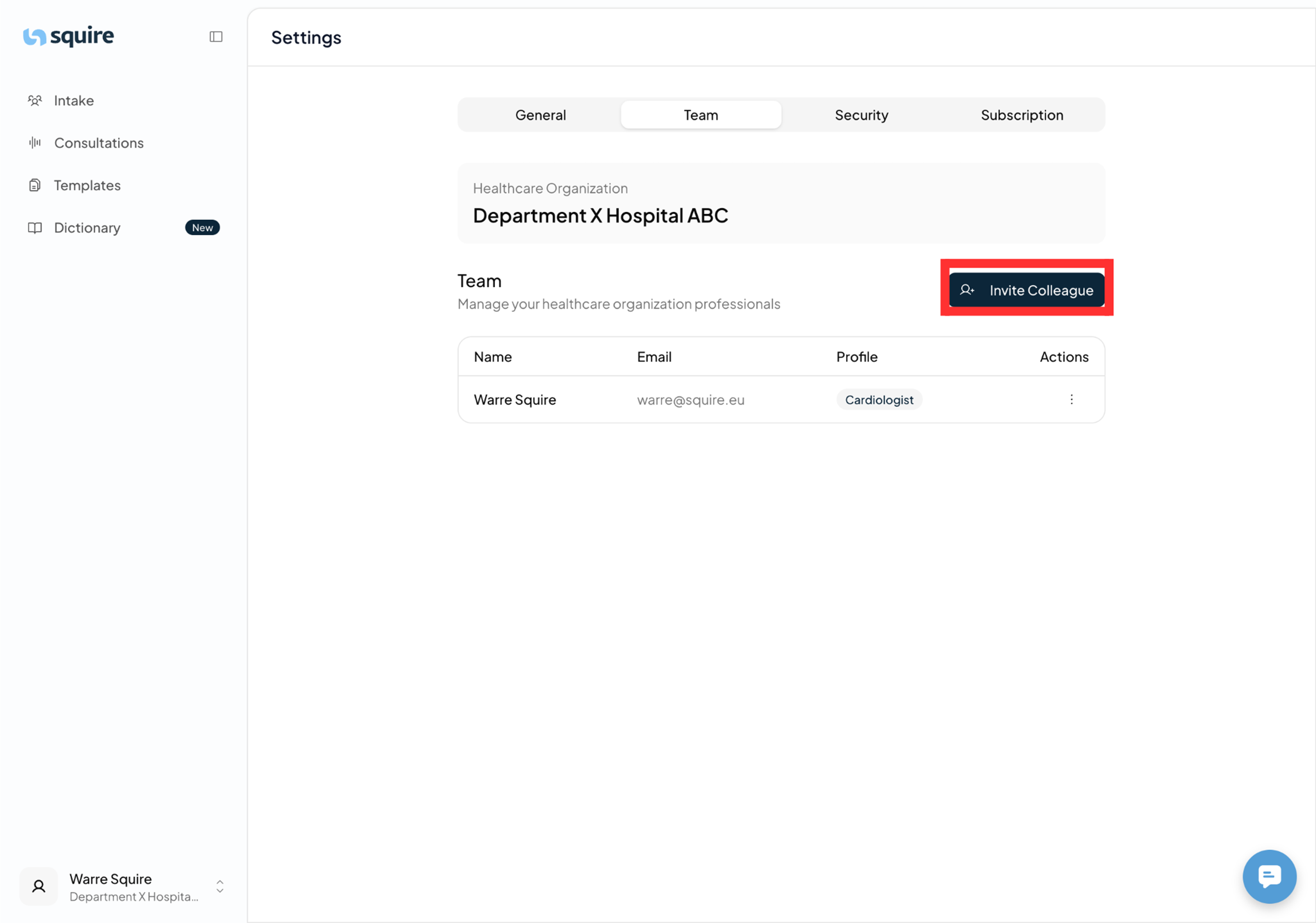
Select the Team option.
You will now see the name of your organization and an overview of the current team members.

2. Sending an invitation
Once you are in the team overview, you can add new users.
Click on the Invite colleague button.
A pop-up screen will appear. Enter the Email Address of the person you would like to invite.
Click on Send Invitation.