How does this intake information reach the doctor?
Written By Ignace Maes
Last updated 3 months ago
All data shared by the patient with the Squire assistant is directly synchronized and neatly prepared for you in the intake menu.
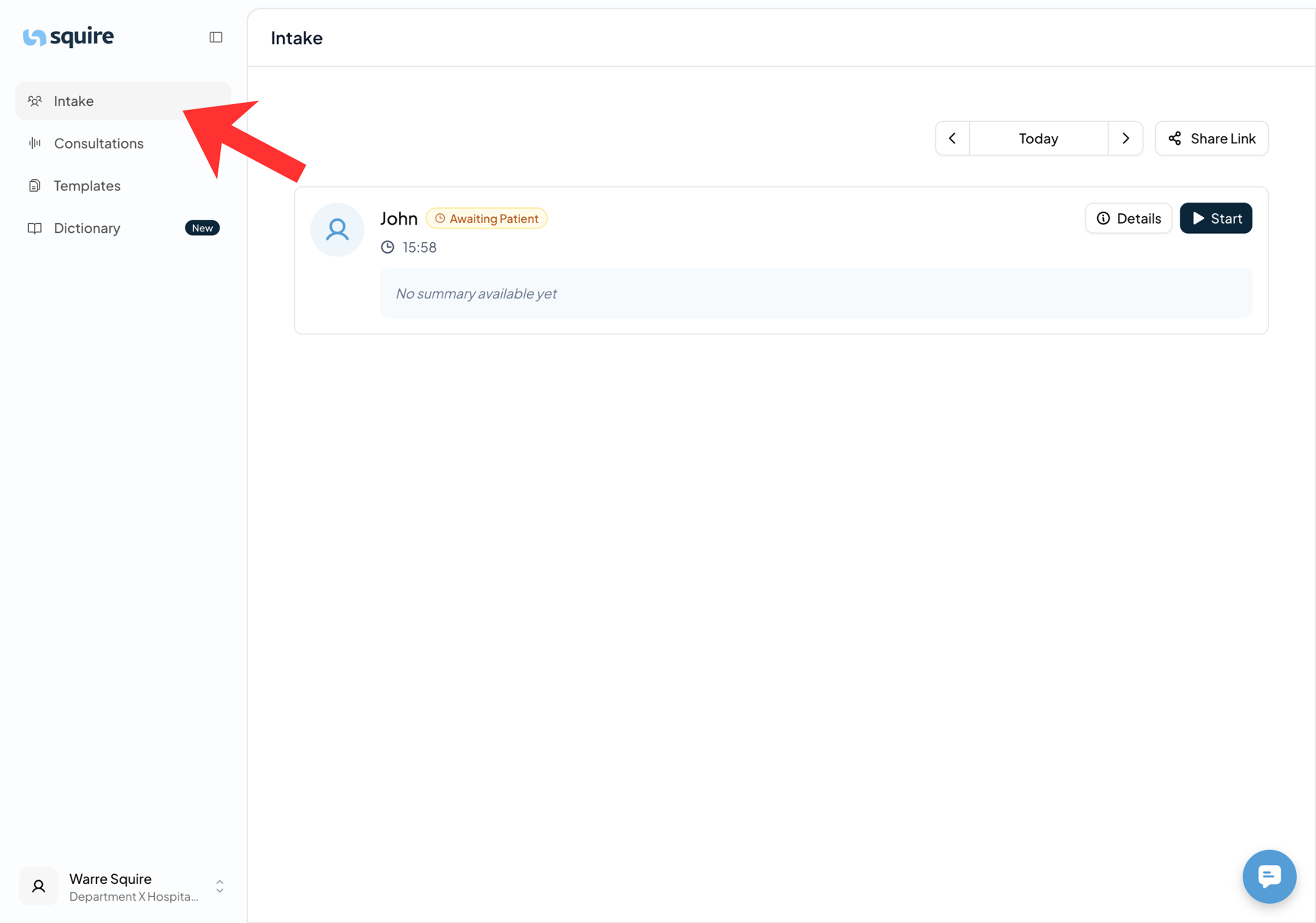
1. Location of the data
You don't need to search through emails or external folders. All information is centrally stored within Squire.
Go to the Intake page in the main menu.
Here you will see a list of all patients who have completed the intake.
Click on the name of a specific patient to directly open the summary and conversation log.
2. Real-time updates
As soon as a patient finishes the conversation with the AI bot (via the link or QR code), the information appears almost instantly in your overview.
You can therefore already view the information while the patient is still in the waiting room.
This enables you to start your consultation within Squire with a full history at your fingertips.