Secure your account extra with two-factor authentication (2FA)
Written By Ignace Maes
Last updated 3 months ago
At Squire, the security of your patient data comes first. By enabling two-factor authentication (2FA), you add an extra layer of protection to your account. In addition to your password, you use a unique code on your phone to log in.
1. Why enable 2FA?
Passwords alone are not always sufficient today. 2FA ensures that only you have access to your reports, even if someone else discovers your password. It's a small effort for a big step in data security.
2. How do you set up 2FA?
Follow these simple steps to secure your account:
Go to Settings: Click on your profile name at the bottom left in Squire.
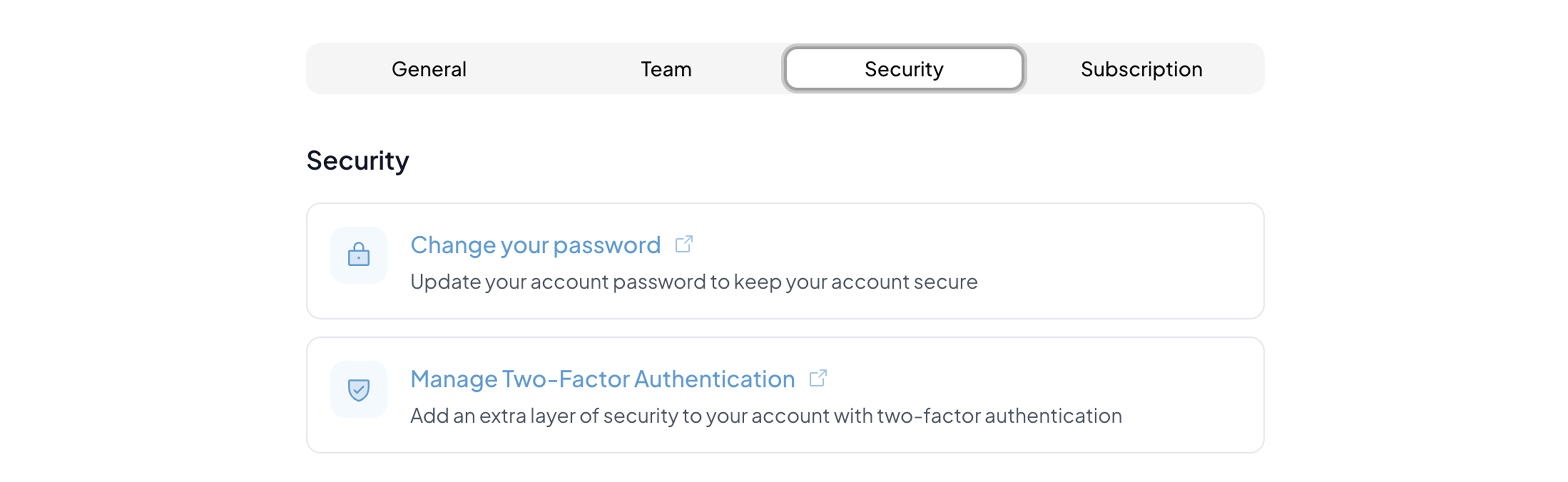
Open Security: Navigate to the 'Security' tab.
Activate 2FA: Click on the button 'Manage two-factor authentication'.
Scan the QR code: Open an authenticator app on your phone (such as Google Authenticator or Microsoft Authenticator) and scan the QR code that appears on your screen.
Confirm the link: Enter the 6-digit code from the app in Squire to complete the setup.
3. What if I have a new phone?
Keep the backup codes you receive after setup in a safe place (not on your phone itself). This way you can always log in, even if you lose or replace your device.