I forgot my password, what now?
Written By Ignace Maes
Last updated 3 months ago
In this article, you will learn how to set a new password in just a few minutes to regain access to Squire.
1. Submit a recovery request
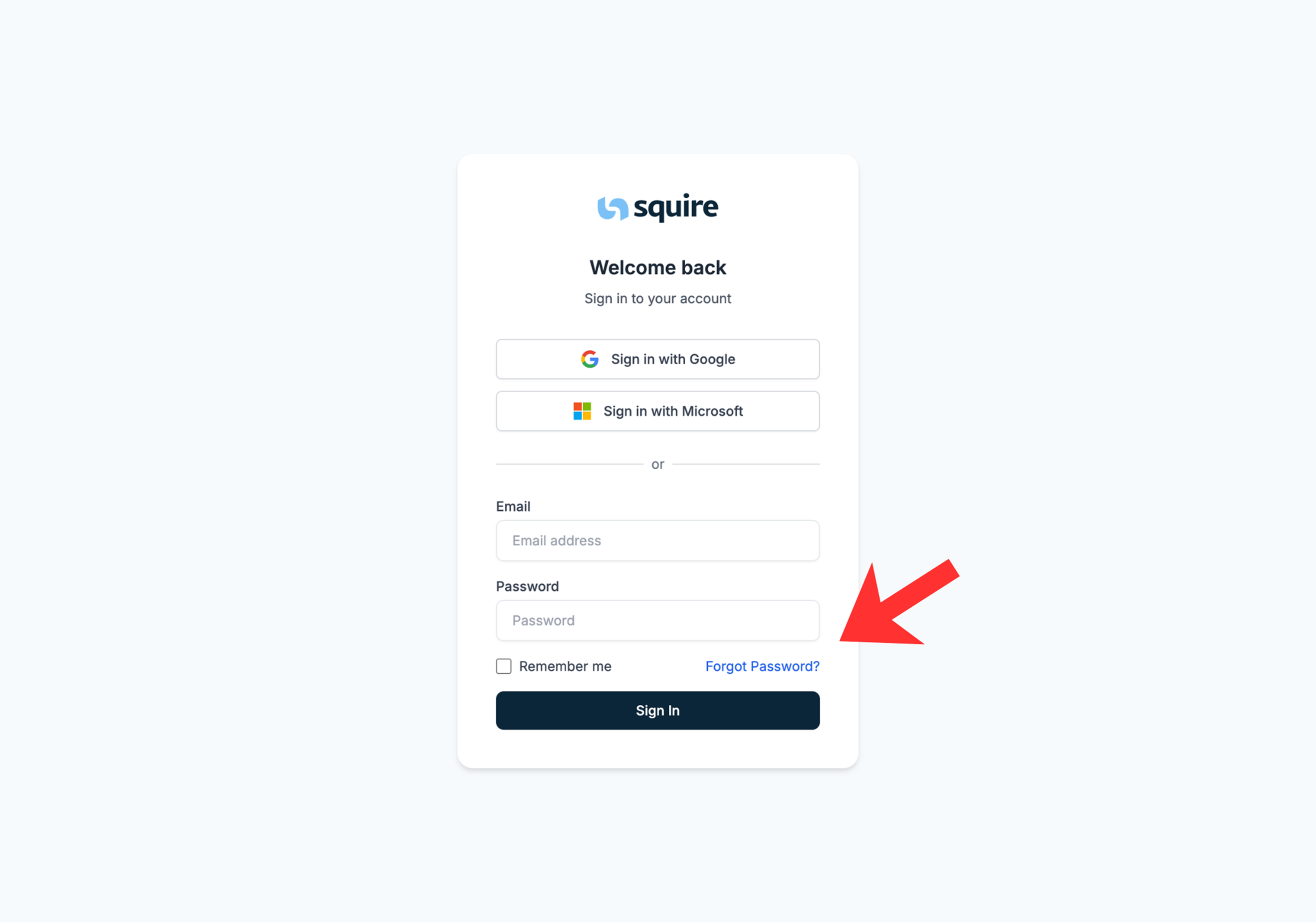
If you can no longer log in, you can request a recovery link from the start screen.
Go to the Squire Login Page.
Click on the link Forgot Password? below the login fields.
Enter your Email Address and click the Send Recovery Link button.
2. Reset your password
After the request, you will receive a secure email from Squire.
Open your mailbox and look for the email with the subject "Password Recovery".
Click the Set New Password button in the email.
You will now be on a page where you can choose a new password.
Click on Confirm to save your new password.